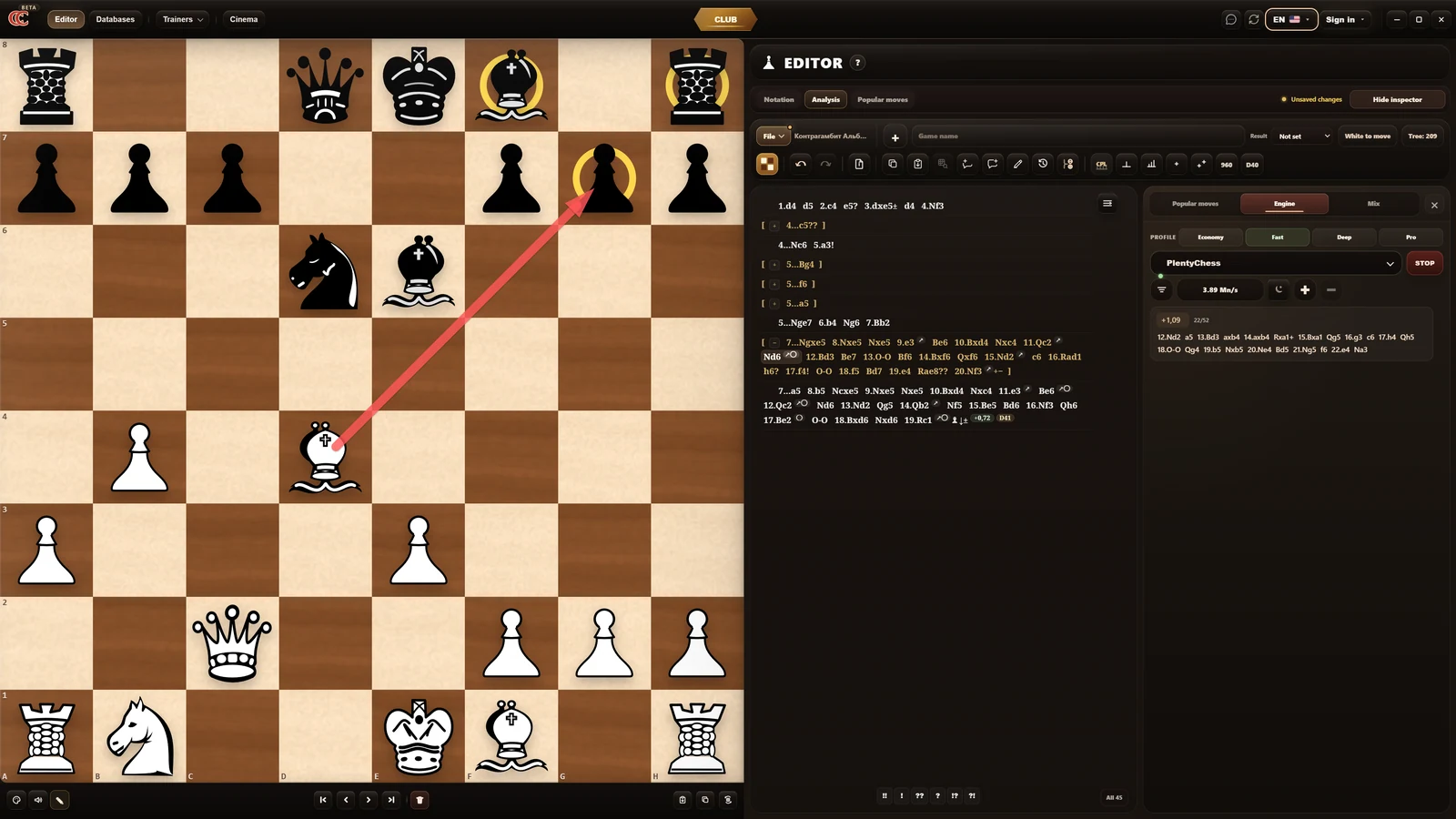





Centipawn loss
Evaluate game quality by lost centipawns and see where precision disappeared.
Why Chess Combine
Chess Combine connects analysis, training, databases, and content so a good idea becomes a saved line, then a repeatable exercise, then a stronger practical habit.
Evaluate game quality by lost centipawns and see where precision disappeared.
Build a shared global tree of variations starting from deep 40+ move analysis.
Train on carefully selected games and collections that can grow continuously.
Move from position to database, editor, opening memory, and practice without losing context.
Who it is for
Players, coaches, and teams work at different speeds, but they all need one place where analysis turns into practice.
Review your own games, find where precision was lost, and turn mistakes into concrete training tasks.
Prepare student material with variations, diagrams, comments, puzzles, and repetition in the same environment.
Build a shared preparation language from databases, best games, opening lines, and training scenarios.
Modules
Open the module you need now, then keep the result close to the rest of your preparation.
PGN, variations, comments, diagrams, arrows, circles, engines, and centipawn-loss analysis in one workspace.
Learn from flawless classical games selected by centipawn-loss quality and train exact decisions.
Watch your own games, selected games, or matches with precise playback speed control.
Use spaced repetition, view mode, and guess mode to turn opening lines into memory.
Solve positions, keep the board focused, and train decision-making in compact sessions.
Search by position, sort games, inspect popular moves, and open the right game on the board.
Train board vision through positions, piece routes, coordinates, disappearing pieces, ratings, and short repeatable sessions.
Open the test online zone: main hall, quick challenges, ratings, saved games, and a route back into analysis.
Workflow
The point is simple: less switching between tools, more useful chess work from every position you study.
Open a game, check variations, compare candidate moves, and mark the moments that matter.
Save lines, comments, diagrams, and database findings so preparation stays readable.
Turn analysis into repetition, puzzles, best-move practice, and stronger choices at the board.
Start
Download the current Windows build and open the full workflow right away: analysis, databases, openings, puzzles, best-move training, Memory, Club, and game viewing.